


1Record
Record exactly what you mean.
Full screen, one window, an area you drag out, or several displays at once. Take sound from the system, your microphone or a single app, each on its own track, so you can fix one without touching the others.
Clipfiofor Mac
Screen and sound from your menu bar, with every word searchable. On your Mac, and nothing leaves it.
Unlimited recordings, any length. Nothing uploaded.
Clipfio recording a dragged area of a slide presentation, with the camera bubble in the corner, click highlights, a keystroke overlay and separate system and microphone tracks.
FindEvery word, searchable.
Clipfio writes a transcript of every recording, on your Mac. Search for what was said, click a result and land on that second.
Transcribed on your Mac. Your words never leave it.
Search every recording by what was said, for example: the farm, mitochondria, pricing. Clipfio lists each moment and jumps the player to that second.
1Record
Full screen, one window, an area you drag out, or several displays at once. Take sound from the system, your microphone or a single app, each on its own track, so you can fix one without touching the others.
2Camera
Add a camera bubble over anything you record. Drag it anywhere, resize it, round or square. The camera feed is handled on your Mac and goes straight into your recording.
3Podcast
Clipfio trims the long silences, takes out background hum and levels your voice to the podcast loudness standard. Then export to MP3, WAV or M4A.
4Pro look
Clicks light up, keystrokes appear on screen, the view zooms in on what you're doing and your cursor glides instead of jitters. Automatic, and every one is optional.
5Finish
Trim the ends, drop chapter markers with a hotkey while you record, then export to MP4 or GIF. AirDrop it or copy it straight into a message. Clipfio can even start recording the moment a call begins.
Record for as long as you like, as often as you like. Every recording, transcript and edit stays on your Mac, and nothing leaves it.
No cap on how long you record or how many recordings you keep. Your disk is the only limit.
Recording, transcription and clean-up all happen on your Mac. There is no account to make.
Recordings save to a folder you choose, as ordinary files you can open anywhere.
Family calls and client calls. Lectures and launch demos.

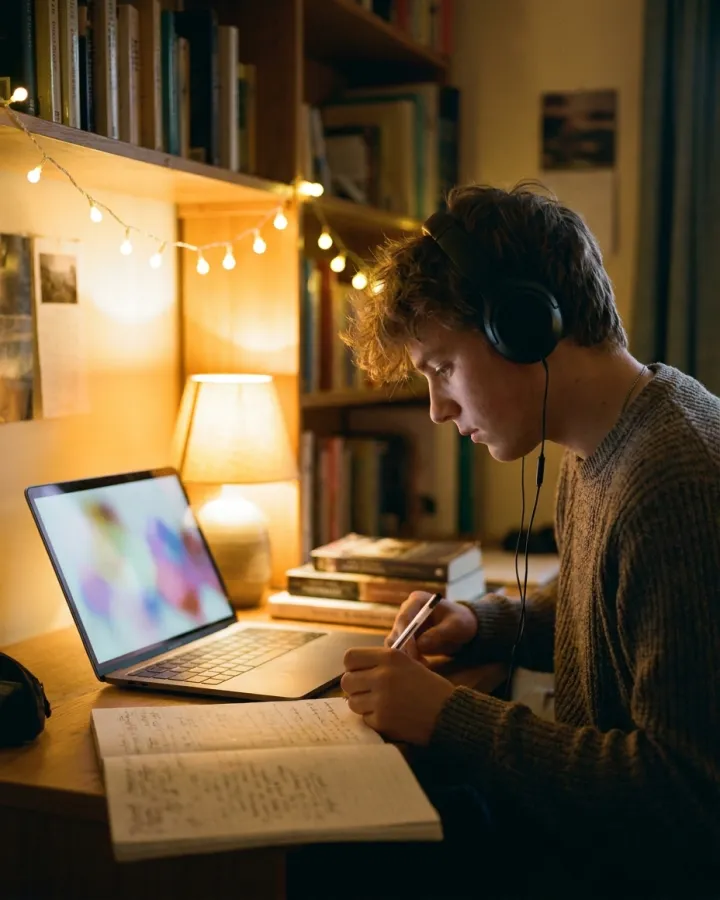
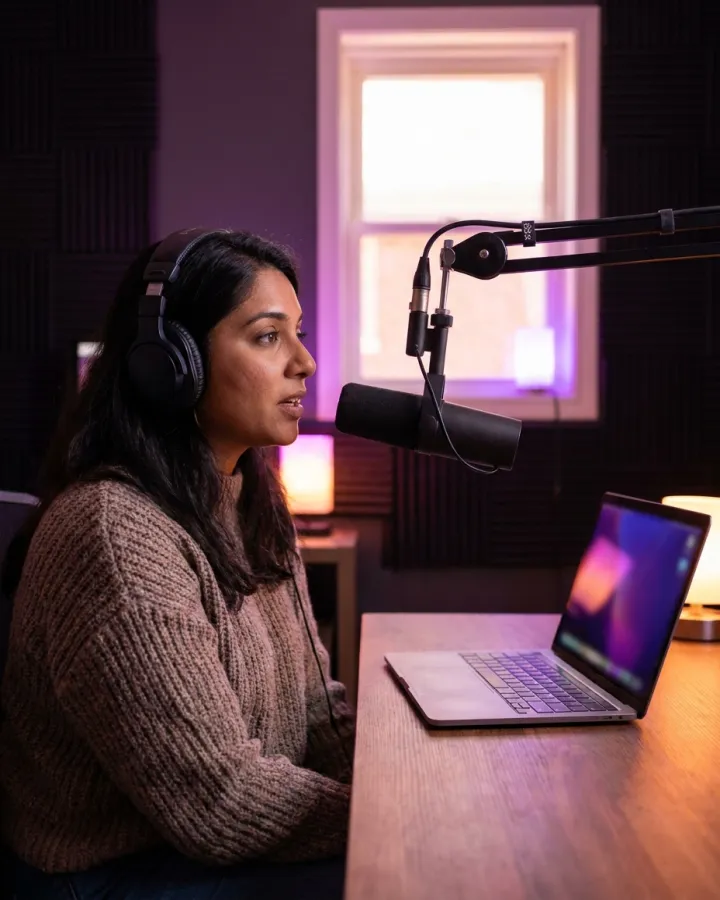
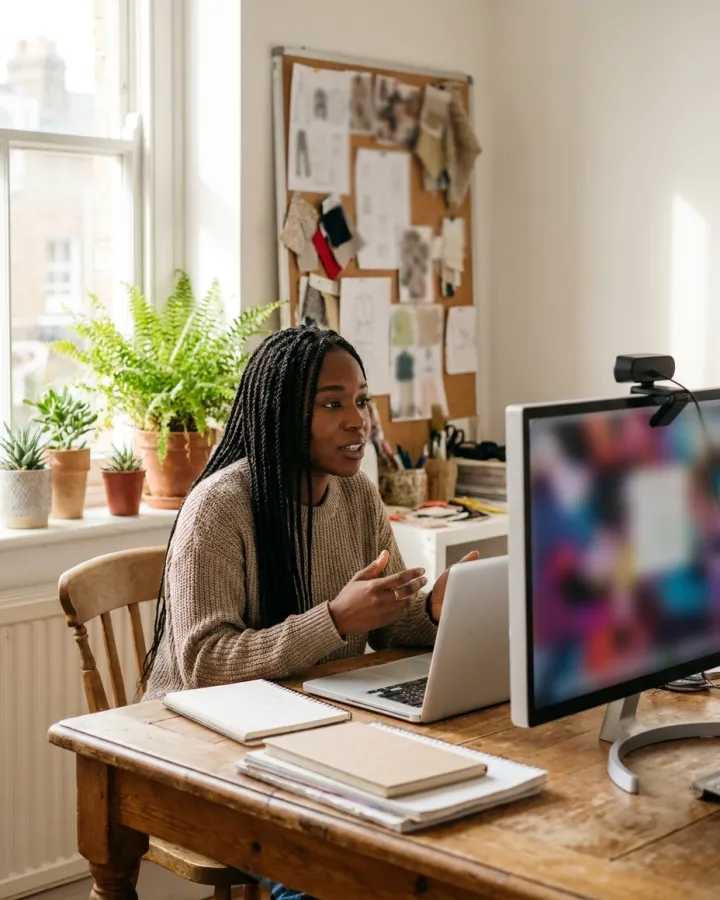
Unlimited screen and sound recording, with every word searchable.
Recorded on your Mac. Transcribed on your Mac. Nothing leaves it.